Kanban built for Manufacturing

You run out of a flap disc. The grinder stops. A thousand-dollar order doesn’t ship. Kanban is the fix.

GembaDocs includes Kanban card creation on every plan. Build a card on your phone or desktop, print it, laminate it, and put it in the bin – in minutes. 

30 day trial.
No card required.

Kanban Cards

Two formats of Kanban, built into the core of GembaDocs.

Switch between types/templates at any time. Your card data stays intact.

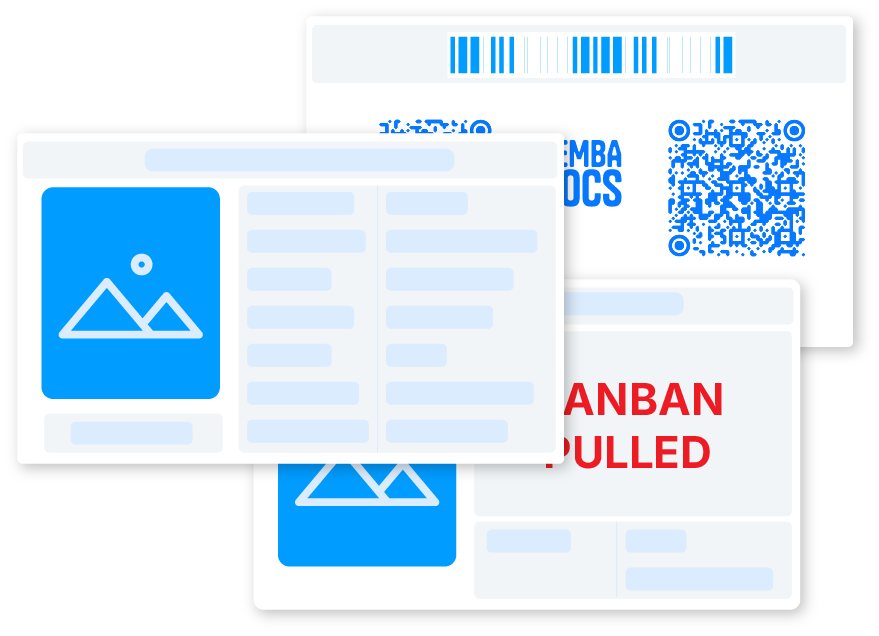
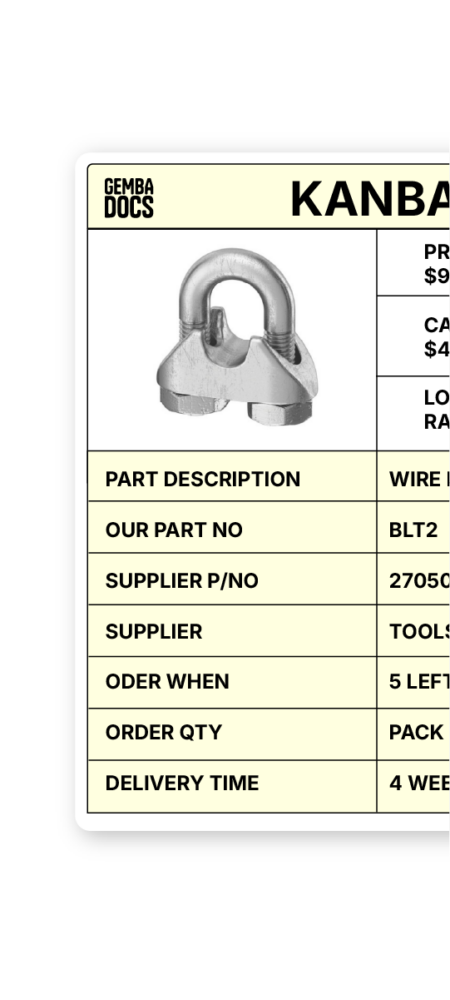
Standard Kanban Card Front and Back

Standard Kanban

The default format.

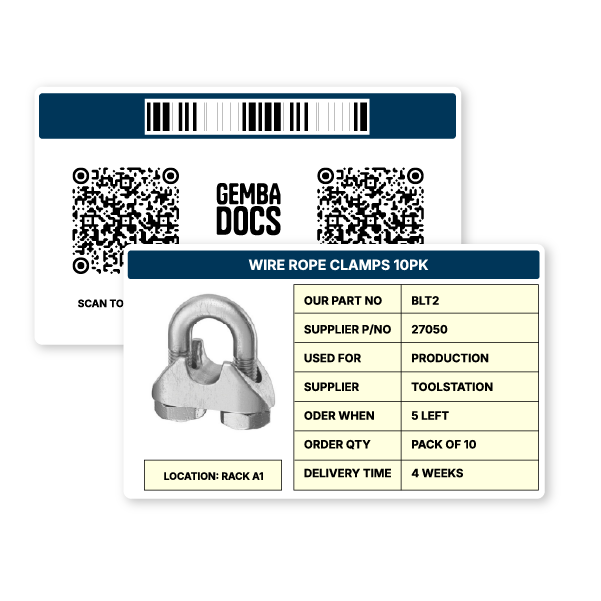
Prints in four sizes – Credit Card, A6, A5, and A4 – across two PDF sheets. Use the smaller sizes for bins and shelves.

Use A4 for rack-mounted cards that need to be seen from a distance, or for traveling bins that follow parts through the production process.

Format

Features

Write On Kanban Card Front and Back

Write-on Kanban

The alternative format.

For teams where purchasing records order details by hand.

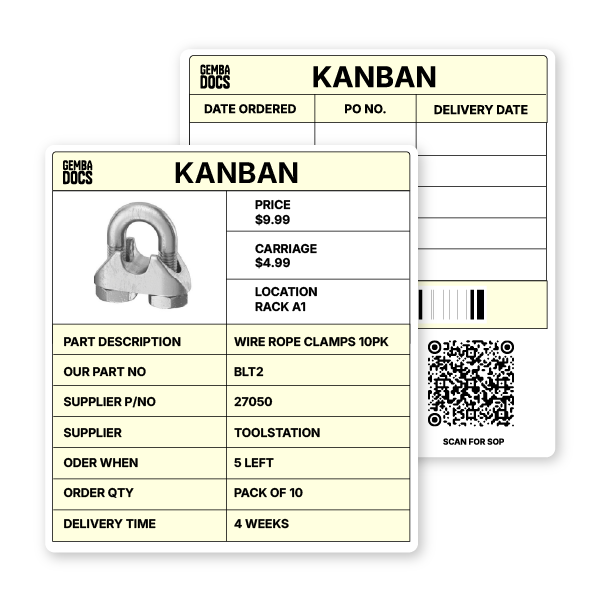
Price and Carriage come in from GembaDocs and print on the card. Date Ordered, PO Number, and Delivery Date get written on the back when the order goes in – no reprinting every time. Old-school where it works.

Digital where it saves time.

Format

Features

Build and manage cards in the same platform as your standard work
Kanban QR to SOP
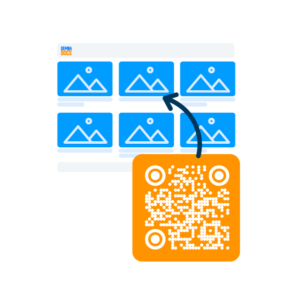
Link Kanban QR codes directly to GembaDocs SOPs – the reorder signal and the process document, in one scan
Tag SOPs
Organize cards with tags and filter by site
Bulk Update
Bulk-update your library when suppliers change, quantities shift, or locations move
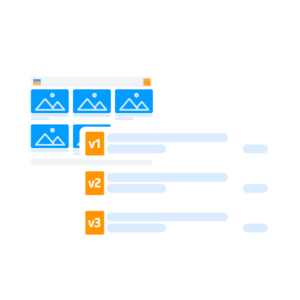
Track change history on every card – who changed what and when
Approval workflow available – switch it on in admin settings when you need it

Kanban built in - not bolted on.

You don’t need a separate Kanban tool. GembaDocs includes Kanban card creation on every plan, alongside your SOPs and skills matrix.

How it works

An operator reaches the back of the inventory bin. The card is there – laminated, sitting in front of the last of the stock.

The Front

A photo of the part, so anyone can identify it. The supplier. The order quantity. The reorder point -25 left, 10 left, whatever you've set. The delivery time, so purchasing knows what to expect. The location, so the card goes back to exactly the right place.

The Back

A QR code. Scan it on your phone - it opens the ordering page directly, fires an email to the supplier, or pulls up the GembaDocs SOP for handling or making the part.

The QR Code to SOP Bonus

Most Kanban cards stop at the reorder signal.

GembaDocs lets you connect that signal to your standard work. The card that tells you to reorder can also carry the procedure for making, receiving or storing the part.

The Kanban card traveling with a component through fabrication can link to the SOP for making it.

The signal and the standard work are the same document.

Fixing inventory flow with one tool

1,700+ GembaDocs Kanban Cards deployed in one year, in one factory at Fat American Manufacturing, in Michigan, USA.

They didn’t start with a big implementation plan. They started with the break room.

Paper plates. Chocolate chip cookies. Coffee cups. Things that don’t live in the ERP but still need to be there when someone needs them. They put a card on each box.

When the box got low enough that you had to pull the card to open it – that was the signal. The card went to the collection point. Someone placed the order.

It worked. So they kept going.

Today the system covers shop supplies, production consumables, fabrication materials, and finished components traveling through welding, powder coating, and packaging.

Cards are color-coded by destination – yellow to machining, green to the laser, blue for external vendor reorders. Value stream managers handle all the purchasing by scanning cards at the reorder station.

It started with a box of paper plates.

Fat american manufacturing logo
Fat American Manufacturing

What is a Kanban Card?

A Kanban card is a physical signal in your inventory system. When stock drops to a set level, the card surfaces.

That’s the trigger to reorder.

The card carries everything needed to place the order – what the part is, how many to order, who supplies it, how long it takes, and where it lives when it comes back.

It sounds simple because it is. That’s the point. A Kanban system doesn’t require anyone to remember anything. The floor tells you what it needs. You just have to listen.

Most manufacturers think they have a supply problem. They actually have a signal problem. The stock was always going to run out – they just didn’t have a system that told them early enough. Kanban fixes the signal.

Wayne built a two-bin system at Clearhill from scratch – 3D-printed bin holders, color-coded by operator, GembaDocs labels on every position. The stores team does a lunchtime run and replenishes without a word being said.

He uses GembaDocs for SOPs as well as Kanban cards. One platform for both.

Clearhill

Try it out.

GembaDocs includes SOP creation, skills matrices, video-to-SOP generation, version control, multi-language support, analytics, and a public API – alongside Kanban cards.

GembaDocs includes SOP creation, skills matrices, video-to-SOP generation, version control, multi-language support, analytics, and a public API – alongside Kanban cards.