
SOP software for your office.

Because when one person knows how to do it, it’s a skill – when nobody else does, it’s a risk.

Record your screen, generate the SOP automatically, and make sure every task is covered no matter who’s in.

Trusted by manufacturing teams
- and now the offices behind them

Every office has a process that lives in one person's head.

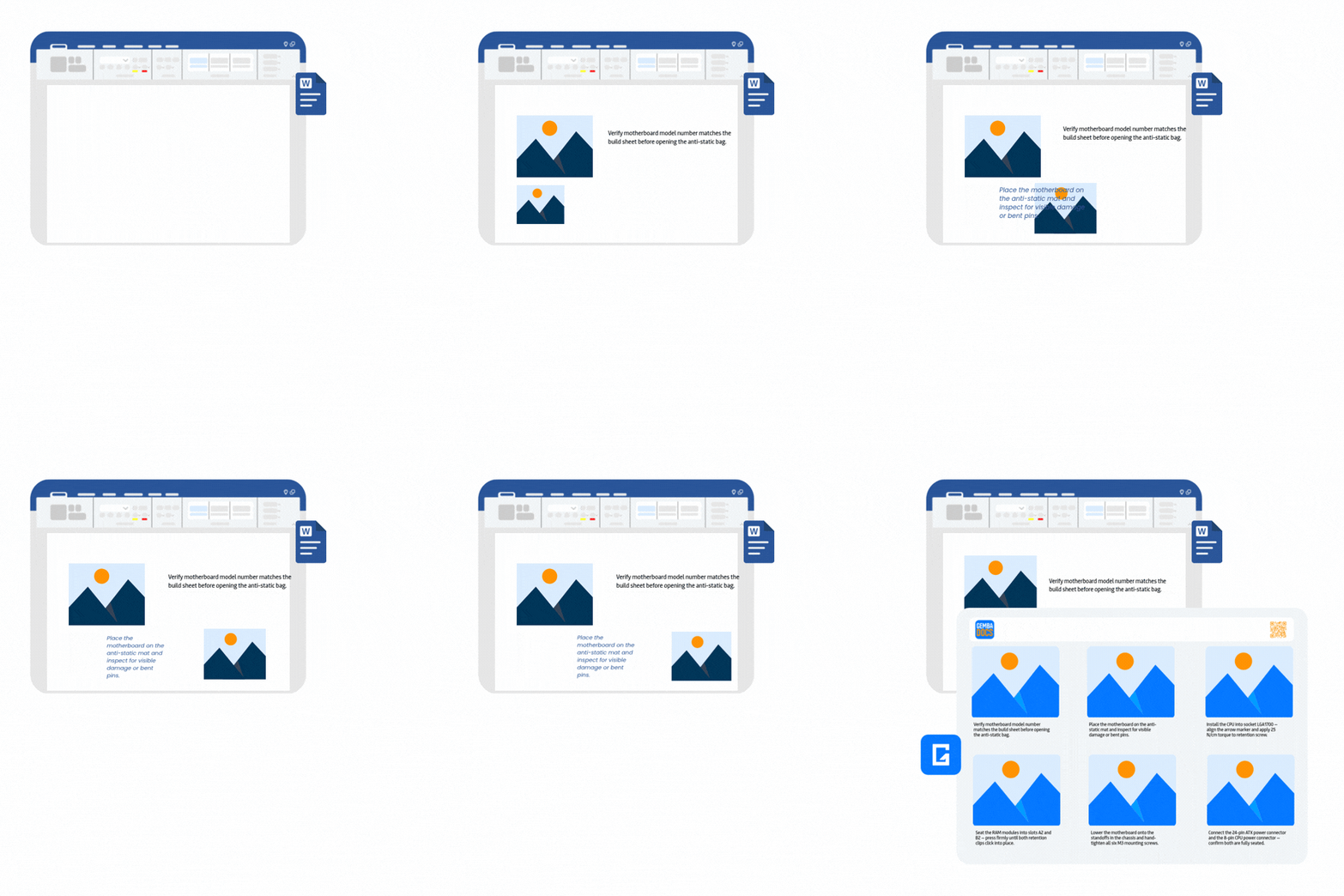
Creating a desktop process in MS Office means taking a screenshot, pasting it in, realigning everything when the text shifts, adding annotations in a separate tool, exporting it, uploading it somewhere – and then hoping the link still works when someone scans it six months later. Most people stop halfway through. The process never gets documented and the risk stays. 

Adding videos as hyperlinks, transferring photos and videos to a computer, and creating software-related SOPs were all time-consuming and frustrating. Annotating images required multiple applications - or formatting everything in Word, where annotations often didn't stay aligned with the images, leading to defects and rework

Putera Camaro
City of Vaughan
Word vs GembaDocs SOP

Record your screen.
GembaDocs writes the SOP

Install the GembaDocs Chrome extension. Go through the process on screen – logging into the system, running the report, processing the invoice, whatever the task is. When you’re done, the documentation is done too.

Hit record. 
Do the task.

Open the Chrome extension, start recording, and talk through the process as you normally would. No scripting needed. No second takes.

GembaDocs generates the steps.

The recording is automatically cut into steps, with a written description generated for each one. Edit anything that needs adjusting, redact where needed, and publish.

Accessible everywhere.

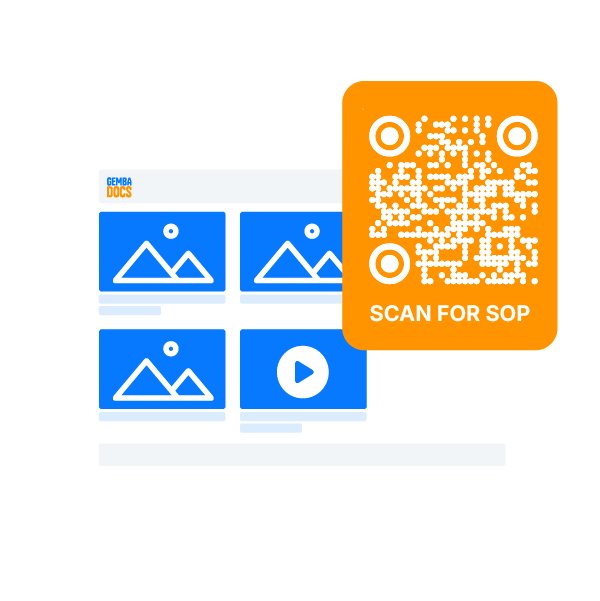
The published SOP is accessible in the desktop (and mobile) app, by QR code, direct link, or PDF. Anyone covering the role can follow it from their browser.

Redact before you publish.

Some recordings pick up information that shouldn’t be shared – account numbers, customer names, login details. Use the redact tool to blur sensitive content from any step before the SOP goes live. 

Everything you can do on a phone,
you can do on a desktop.

GembaDocs was built mobile-first for the shop floor – but don’t let that fool you – the desktop experience is not an afterthought. Every feature available in the app is available in the browser – same builder, same tools, same output.

Desktop SOP Images

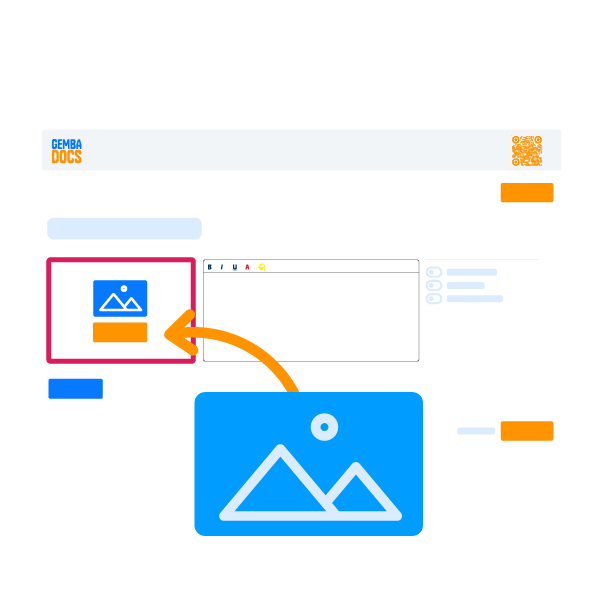
Drag screenshots straight into steps.

Paste from your clipboard or drag a file in. No file management, no separate upload step. The image lands in the step where you need it.

Desktop SOP Voice Capture
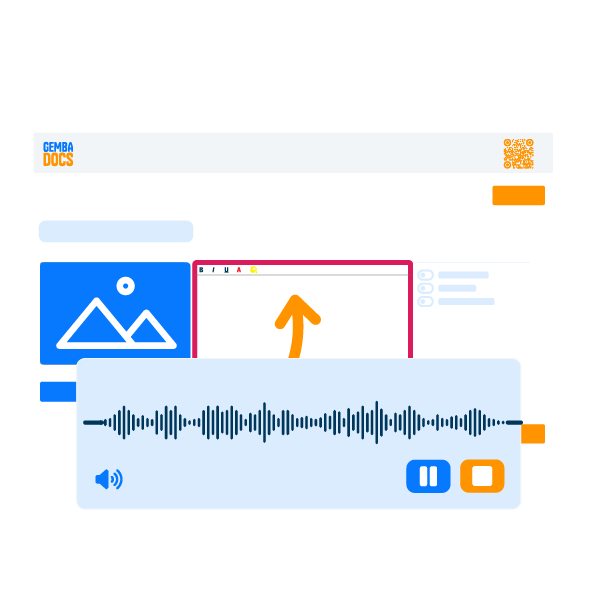
Voice to text works in the desktop browser.
Speak the step description out loud – GembaDocs transcribes it on the spot. Same capability as the mobile app, in the browser.
Polish with AI
AI Polish cleans up rough notes or voice capture.
One tap corrects grammar, spelling, and clarity. The original wording stays until you accept the change.
Drag and Drop SOP Builder
Reorder steps by dragging as you build.
Restructure the SOP at any point. Drag steps into the right sequence without rebuilding anything from scratch.
Desktop SOP Publishing
Publish as PDF, link, or QR from the same screen.
One publish action. Three access formats. Anyone following the SOP can use whichever format suits them.

What office teams document with GembaDocs.

Any process that should be done the same way every time. In an office, that covers more than most teams have written down.

Finance and Admin Procedures

Monthly close, bank reconciliation, expense approvals – documented once and followed consistently, with no variation depending on who’s in.

Onboarding and New Starter Guides
System access, file locations, employee admin – written down once and followed from day one, not passed on differently by whoever is available to explain it.
Software and System Processes
How to run the report, process the invoice, or export from the CRM – recorded with the Chrome extension and published in minutes.
Holiday and Absence Cover
Every task the absent person owns, documented before they leave and accessible by link or QR for whoever is covering.
Stock and Sales
Inventory ordering, ERP admin, sale commission processes – create the SOP, assign it a task cadence (daily, weekly, monthly) and make it visible so nothing is left to guess work.
PDF creation

And yes, we even have been used to write instructions on how to save a word document as a PDF.

Documentation for cover.
Boards for the daily run.

Documentation for cover. Boards for the daily run.

SOPs tell someone how to do a task. Task boards tell them what needs doing and when. Together, they’re a complete system for keeping office operations running when the usual person isn’t there.

Use Green/Red task boards for recurring office tasks.

Daily admin, weekly reports, monthly compliance checks – tasks that happen on a rhythm and in most offices depend on whoever remembers. GembaDocs task cards cover the recurring task and link directly to the SOP that explains how to do it. The board shows what’s due. The card carries the procedure.

Cover the silo roles before someone goes on planned and unplanned leave.

Document every task that only one person knows – Chrome extension for software processes, mobile app for anything physical. The SOPs sit in a shared folder, accessible by QR code, in the platform, or link, ready for whoever is covering. The person going on leave gets an actual holiday.

From the people doing the work

No one ever wanted to update them as they were so hard to update in Word. The ease of use and the way anyone on the team can update an SOP - it makes it so much easier.

Ryan Power
Footcom NZ
In years of running a small business, GembaDocs is the first tool that has actually helped us maintain procedures as a team,

David Flynn
La Brulerie de Belleville

If any of this sounds familiar, GembaDocs was built for you.

Document it before someone asks where it is.